Strategy
How to find and remove toxic backlinks (without over-reacting)
Most backlink profiles have some junk, and most of it is harmless. Here's how to tell a genuinely toxic link from ordinary noise, when disavowing is worth it, and how to do it safely if it is.
Frequently asked questions
What are toxic backlinks?
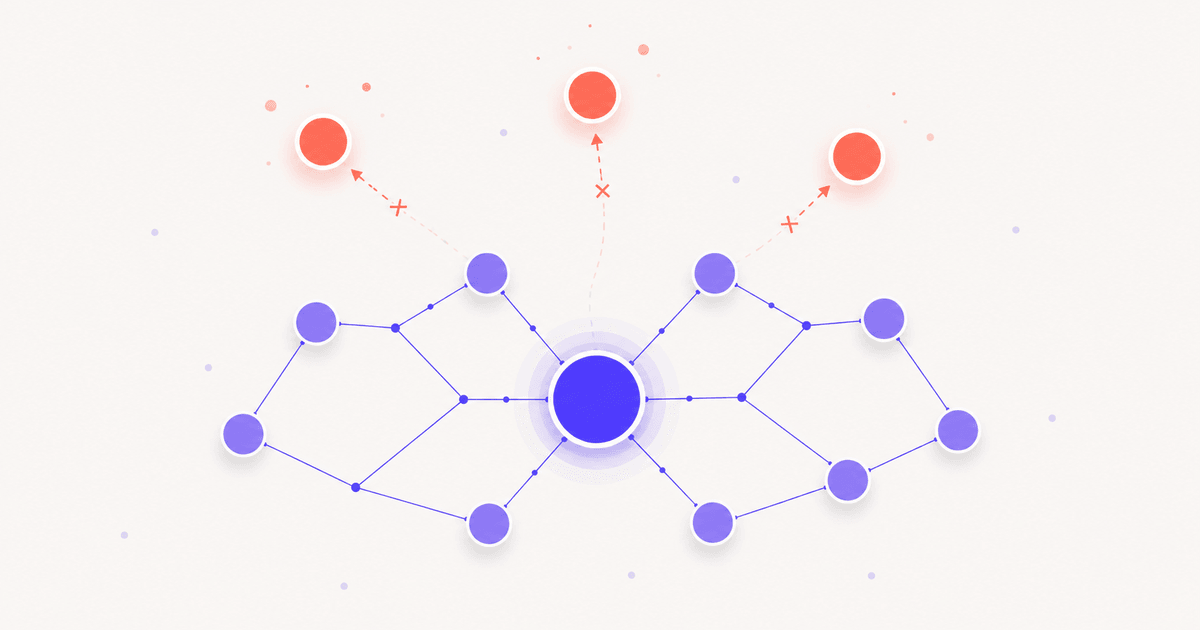
- Toxic backlinks are links from spammy, manipulative, or irrelevant sites that can harm your rankings. Think link farms, private blog networks, hacked sites, and pages stuffed with unrelated outbound links. The key word is manipulative. An ordinary low-quality directory link is usually just noise, not a threat.
Do I need to disavow toxic backlinks?
- Usually not. Google is good at ignoring obvious spam on its own, and its guidance is to disavow only when you have a manual action, or a clear pattern of paid or manipulative links you can't get removed. For most sites, no disavow file is needed at all. Over-disavowing can do more harm than the links ever would.
What is a Google disavow file?
- A disavow file is a text file you submit through Google's Disavow Tool listing domains or URLs you want Google to ignore when assessing your site. It's a last resort, not routine maintenance. Used carelessly it can remove authority from links that were actually helping you, so it should be a deliberate, evidence-based decision.
Can competitors hurt me with toxic backlinks?
- So-called negative SEO, which means pointing spammy links at a rival, is far less effective than it sounds. Google's systems are built to discount low-quality links rather than penalize the target for them. Monitor for sudden unnatural spikes so you're not caught off guard, but don't lose sleep over it or disavow reflexively.
Keep reading
How to check who is linking to your website
The audit that surfaces toxic links in the first place.
Where to get backlinks that actually count
Build a clean profile so junk never dominates it.
Dofollow vs nofollow backlinks
Why many "scary" links pass no authority anyway.
Do free backlink generators work?
Where most of these links came from in the first place.
Should you buy backlinks?
The paid habit that creates profiles needing a cleanup.
Anchor text, explained
Anchor patterns are the real negative-SEO signal.