Backlinks 101
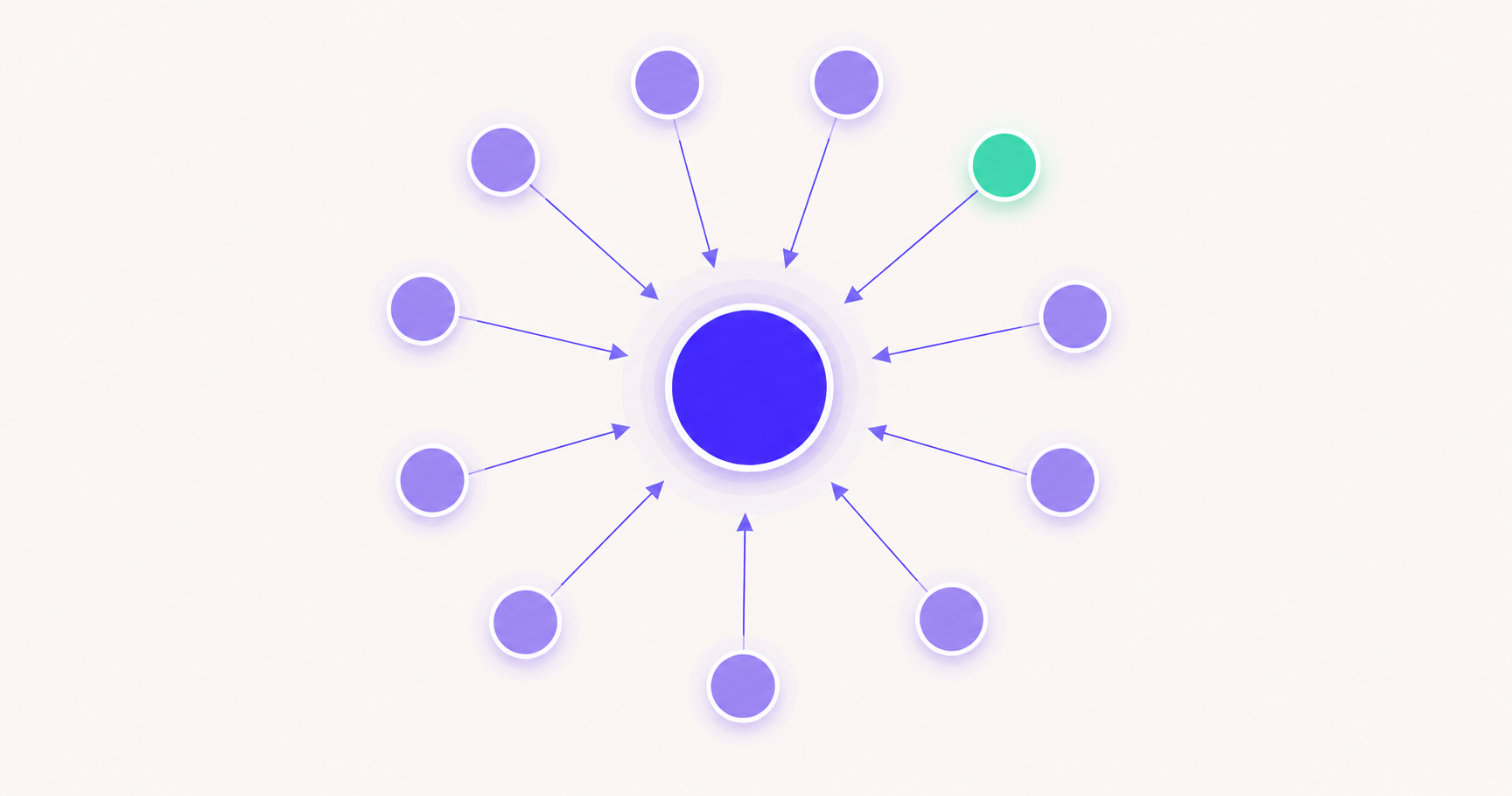
How to check who is linking to your website
A clear, jargon-free walkthrough for finding every site that links to yours. Learn what tools to use, how to read the list, and how to spot the links worth protecting and the ones worth disavowing.
Frequently asked questions
How do I find out who is linking to my website?
- Paste your domain into a backlink checker and it returns your referring domains, which are the unique sites that link to you. Google Search Console also lists your top linking sites for free under Links → External links. Between the two you get both a fast public view and Google's own record.
Can I see who links to my site in Google Search Console?
- Yes. Open Search Console, choose your property, and go to the Links report. "Top linking sites" shows the domains that link to you most, and you can export the full list. It only covers sites Google has crawled and only for a property you've verified, so pair it with a backlink checker for a fuller picture.
What is inbound link analysis?
- Inbound link analysis is the practice of reviewing the links pointing to your site. You look at how many there are, how authoritative the sources are, what pages they point to, and whether any are toxic. The goal is to protect your best links, fix or disavow harmful ones, and spot pages that attract links so you can make more of them.
How often should I check my backlinks?
- For most sites, a monthly review is plenty. That is enough to catch lost links from your best sources and notice any sudden spike in spammy links. Set a reminder rather than checking daily; backlink profiles move slowly unless something unusual is happening.
Keep reading
How to find your competitors' backlinks
The same method, pointed at the sites you're trying to beat.
How to check backlinks using Google search
Free operators and Search Console, step by step.
How to find and remove toxic backlinks
What to do about the harmful links you turn up.
Dofollow vs nofollow backlinks
Which of your inbound links actually pass authority.